![PLATO-ALPHA-DARK.png]](https://knowledge.platoalpha.com/hs-fs/hubfs/PLATO-ALPHA-DARK.png?height=40&name=PLATO-ALPHA-DARK.png)
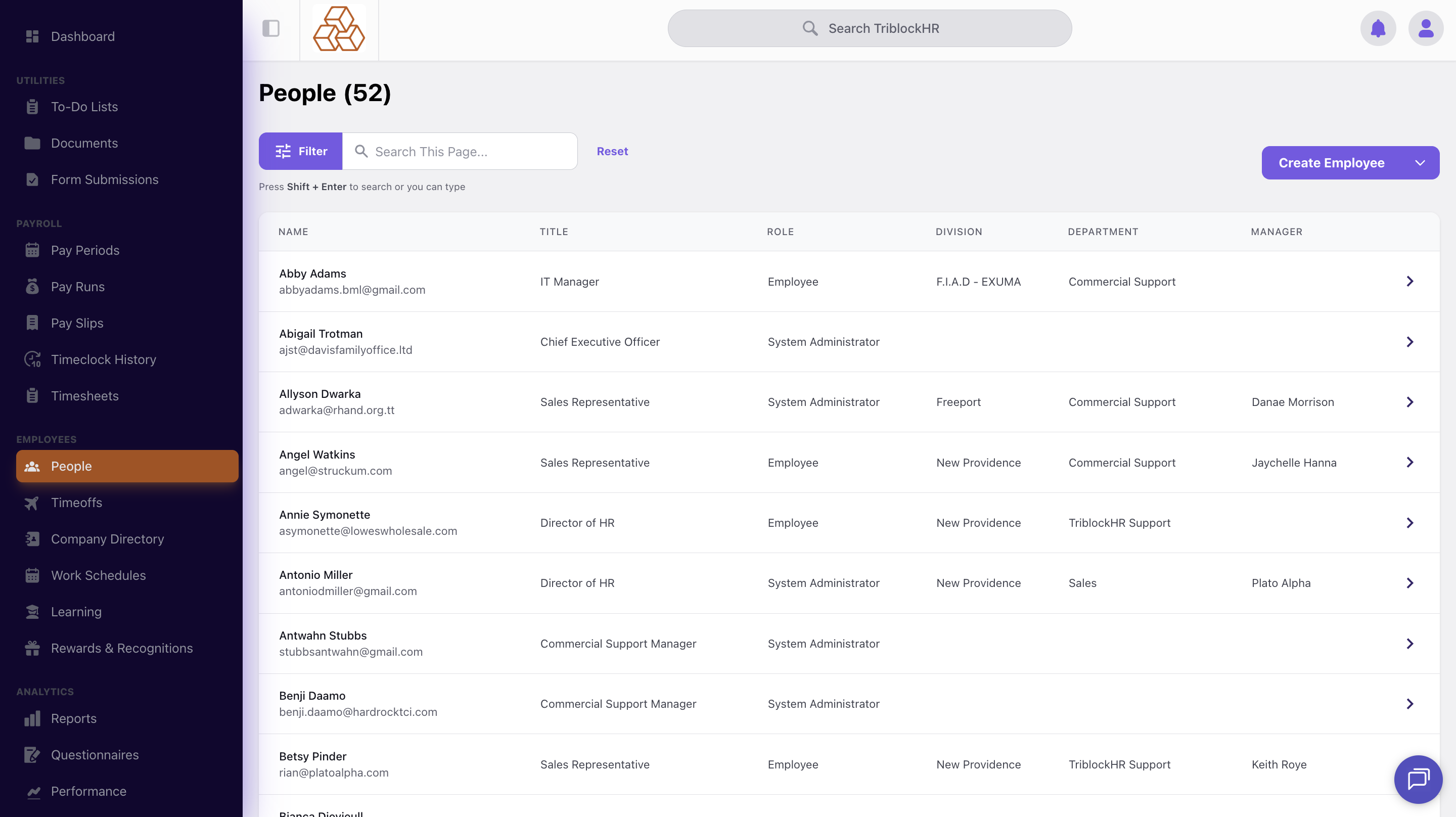
To create a new employee, first go to the People's module, and click on the Create Employee button.
Fill in the required information and then click on create employee at the bottom of the page.
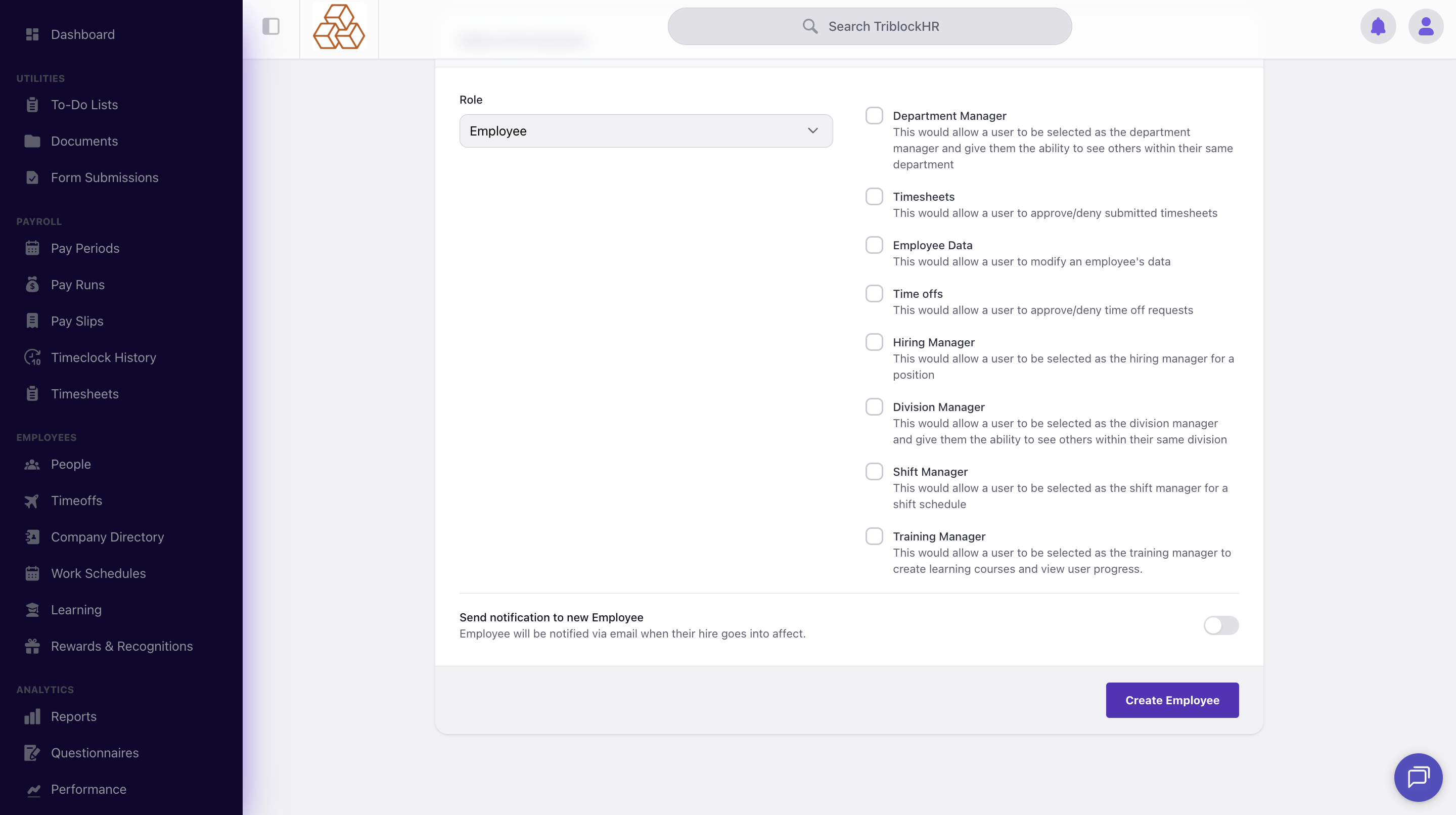
It is important to note that an employee must at least have the employee role to have access to the system. If they are set to no access they will not be able to log in.